
discord wrapped
Discord Wrapped 2025: How to Check Your Yearly Recap and Stats Instantly — Learn the easiest way to view your Checkpoint summary, explore your top servers, emotes, and messages, and share your personalized highlight card. Discord Wrapped 2025 is officially here, and users everywhere are diving into their year-in-review recaps to see how their year on the platform was. This year’s Wrapped-style feature gives a fun and colorful overview of your Discord habits, highlighting everything from your most active servers to your top expressions. The rollout has gone global on both desktop and mobile, so if you’re wondering how to watch Discord Wrapped 2025, the process is straightforward once you know where to look.
When you open Discord on your desktop or browser, you’ll usually see a big green banner announcing your checkpoint recap. For most users, it appears automatically as soon as the app loads. But if it doesn’t appear immediately, there is a quick solution. Near your inbox panel on the left side of the screen, look for a small flag icon with a checkmark. Clicking this icon takes you immediately to your recap. If you still can’t find it, try restarting the Discord app; many users reported that the recap appears immediately after a reboot, especially if the app has just updated.
On mobile, the recap is even easier to access. Opening the app usually triggers a quick full-screen pop-up that displays your personalized stats. This includes the number of messages you sent throughout the year, which servers you spent the most time on, and even how your activity stacks up against other Discord users around the world. Discord has confirmed that the Checkpoint feature is available to all users as long as they have the latest version of the app installed, so all it takes is updating your app to get your recap.
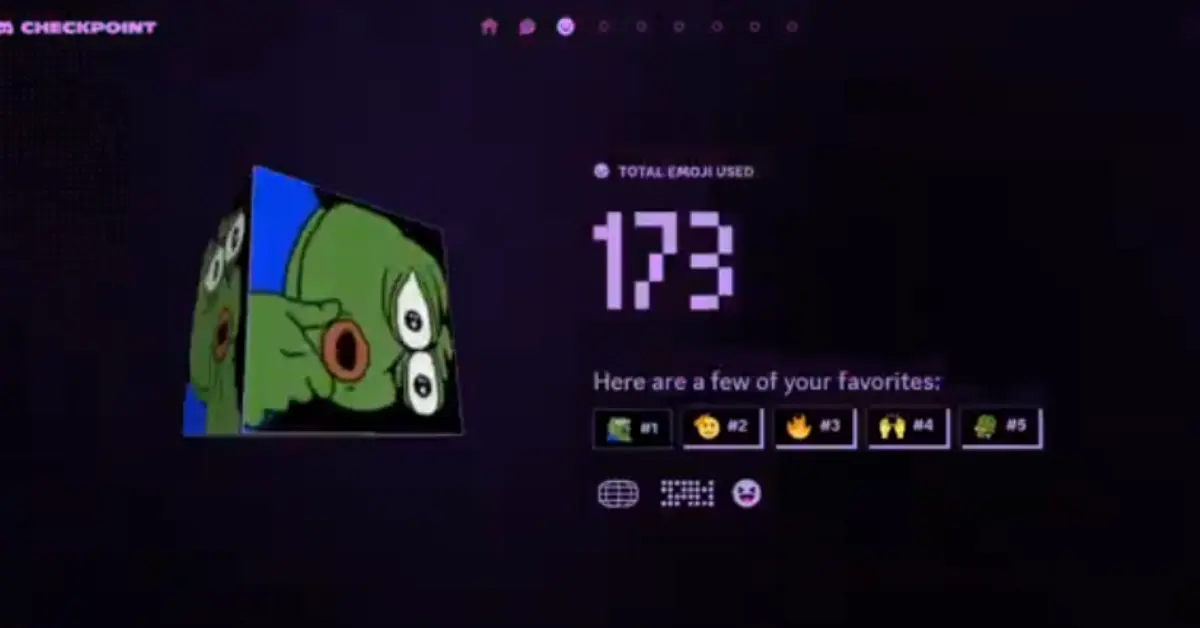
Once you reach your checkpoint, you’ll get a detailed breakdown of how you used Discord throughout the year. You can see which emotes spammed you the most, which server became your digital home, and who you talked to the most in direct messages. While you can see all your stats privately, Discord hides sensitive personal details like your top DM partners when you share your recap publicly. There’s also a special bonus waiting for you: a special avatar badge that you receive just for visiting your checkpoint. At the end of your recap, Discord gives you a clean, shareable summary card that highlights your biggest stats from the year without revealing any personal information, making it perfect for posting to your favorite server or sharing with friends.
Along with the personal recap, Discord shared some interesting global trends for 2025. League of Legends once again dominates as the most streamed and played game on the platform. Indie title REPO took its place as the top indie game of the year, while Rematch stood out as the breakout hit of 2025 due to its rapid rise in popularity. Discord also celebrated three servers as Outstanding Communities of the Year: Minecraft, Genshin Impact, and Marvel Rivals. These servers saw massive engagement and became some of the most active locations on the platform.
With over 200 million monthly users, Discord’s Checkpoint Recap follows a growing trend of year-in-review features seen on many social platforms. For millions of people, it’s a fun way to remember their year of conversations, gaming sessions, and online communities. It also strengthens relationships between users as they compare their statistics or laugh at surprising trends in their online behavior.
Whether you spent your years chatting via voice chat, building friendships in DMs, or bouncing between servers, Discord Wrapped 2025 captures it all in one vivid and nostalgic snapshot. If you’re curious to check your own recap, make sure your app is updated, look for the green banner or checkmark flag icon, and restart the app if necessary. Once you open your Checkpoint, you’ll not only get a detailed look at your year—you’ll also get a special badge and a shareable card to show off your stats.
Discord Wrapped 2025 is one of the most exciting features introduced this year, offering users a simple and entertaining way to revisit their digital journey. If you haven’t seen yours yet, open the app and check out your Checkpoint Recap to relive your year on Discord.